4 min read
Payment Gateway Integration: What to Prepare and Cost
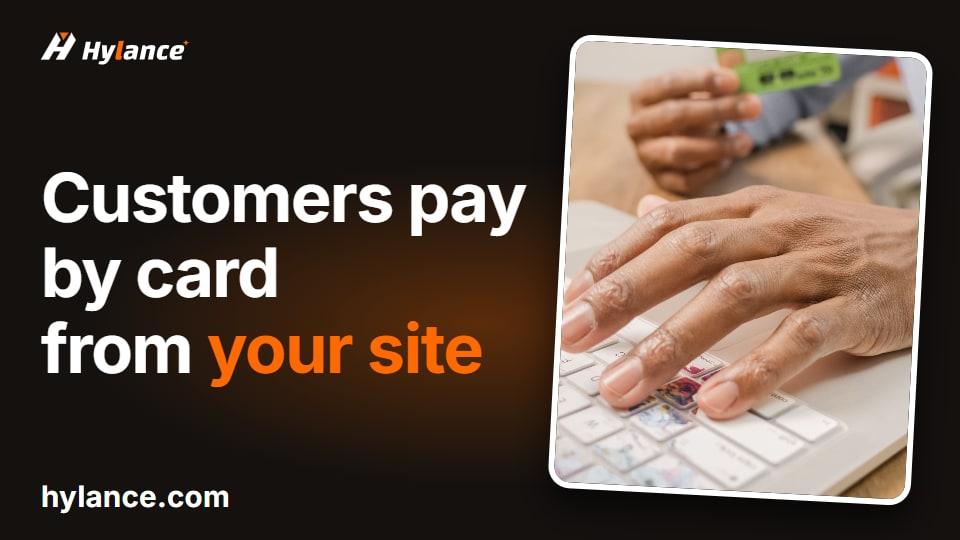
What payment gateways need before activation, what to send your developer without sharing your password, and how to test checkout before going live.

Your store accepts online card payments through the payment gateway where you opened your account, such as PayPal, Tap, Moyasar, or PayTabs, and each order status reaches your store dashboard automatically: paid, declined, or refunded. Includes: installing the official gateway plugin and configuring it on a WooCommerce store or WordPress site, entering the test keys then the live keys, setting up payment notifications (webhook) so the order status updates automatically, testing a successful payment, a declined payment, and a refund in test mode, and a short report of what was tested and the result. Does not include: opening or verifying the gateway account (done in your name and with your documents), programming a gateway that is not supported by a ready-made plugin, or the gateway fees themselves. What I need from you: an activated gateway account or one pending activation, and temporary access to the WordPress dashboard, which you can remove after delivery. Do not send your gateway account password; it is enough to create the connection keys from its dashboard. Delivery: the gateway working on your store, the testing report, and one revision if an error appears after going live within 7 days.
No reviews yet. Only buyers can leave a review, after they receive the work, so every review here comes from a real order.

 Gamal
HTML landing page from your design or a chosen template
 Gamal
Company Profile Website That Builds Trust Before First Contact
 Gamal
E-commerce Store UI Design and Shopping Experience
 Gamal
WhatsApp Button and Google and Meta Tracking Codes for Your Site
 متقن للحلول الرقمية
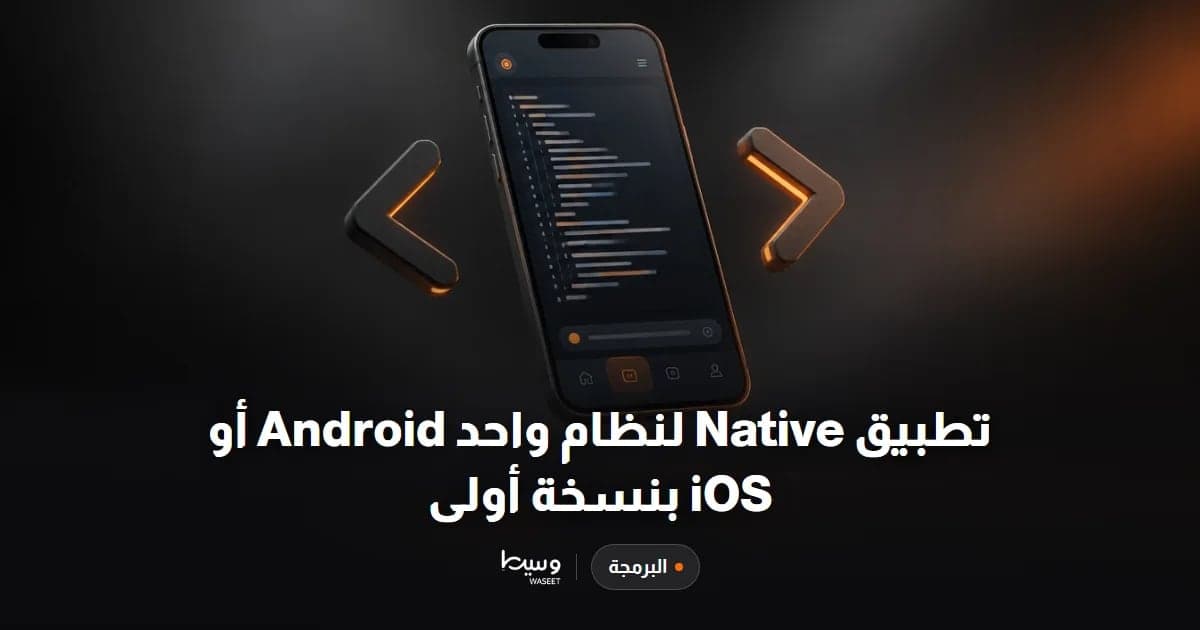
Native app for one platform: Android or iOS
 متقن للحلول الرقمية
VPS or dedicated server management for one month

 Mohamed Gamal Omar
Ready-to-Sell Online Store Creation (Custom, Salla, WooCommerce)
 متقن للحلول الرقمية
WordPress Speed Optimization and PageSpeed Improvement
What payment gateways need before activation, what to send your developer without sharing your password, and how to test checkout before going live.
Learn what usually makes a website slow on mobile, what a developer can actually fix, how to measure results yourself, and typical Hylance pricing.
Learn when a hosting move makes sense, what to prepare, how to migrate step by step without breaking your site or email, and what to check after.