Google Business Profile: What to Write and Reviews
A practical guide to filling out your Google Business Profile, getting honest reviews, replying to negative ones, and avoiding common mistakes.
Key takeaways
- Your Google Business Profile is a free listing that appears when people nearby search for a business like yours. It includes your name, hours, phone number, location, photos, and reviews.
- Use your real business name exactly as it appears on your sign, choose the most accurate primary category, and update your hours before every holiday or Ramadan.
- Ask real customers for reviews after a good experience, reply calmly to every negative review with a practical fix, and never buy fake reviews.
- On Hylance, Google Business Profile setup and optimization starts at about SAR 45 (about $12), and profile image design starts at about SAR 60 (about $16) at the time of writing.
Your Google Business Profile is the card people see when they search for your shop by name, or for something like “restaurant near me” or “dentist” in your area. To get real value from it, fill in every detail fully and accurately: your name exactly as it appears on your sign, the most precise category, your hours, phone number, address or service area, photos, and description. Then verify the profile, ask your real customers for reviews, reply to them, and post updates from time to time. This guide walks through each step for shop owners, restaurants, clinics, and service businesses.
What is a Google Business Profile, and why does it matter?
It is a free page for your business that you manage yourself. It appears on Google Maps and in local search results, meaning the results Google shows people looking for something nearby. A customer can tell at a glance: are you open right now? How far away are you? What is your phone number? What do other people say about you? Then they can call or get directions right away.
That is why your profile may be the first thing a customer sees before your website or social media accounts. Sometimes a profile already exists without you knowing about it because a visitor added it or Google created it from public information. In that case, your first step is to search for your business and claim the profile instead of creating a new one.
What should you write in each profile field?
Each field answers a question your customer has, so fill in all of them carefully. Here are the key details and what to keep in mind for each one:
- Name: Use your real business name exactly as it appears on your sign and invoices, with no extras like the city name, “best,” or “free delivery.”
- Category: Choose one primary category that describes your business as precisely as possible (“Dentist” is more accurate than “Clinic”), then add a few extra categories only for services you actually offer. Your category is one of the biggest factors in showing up for the right searches.
- Hours: Use your real opening hours for each day, including special hours for holidays, Ramadan, and time off. If a customer arrives and finds you closed, they may not trust your profile again.
- Phone number: Use a number that someone actually answers during business hours, ideally the same number shown on your website and sign.
- Address or service area: If customers come to you, enter the address and place the pin on the correct entrance. If you go to them, such as plumbing, cleaning, or maintenance, set your service areas and hide your home address.
- Photos: Add a street view of the storefront so customers can recognize the place, plus interior photos and photos of your products, dishes, or team. Clear real photos are better than stock images from the internet.
- Description: Write a short, natural paragraph explaining what you offer, who it is for, and what sets you apart, with no links, no temporary promotions, and no keyword repetition.
How is the business profile verified?
Verification means proving to Google that you really own the business. Your edits may not fully appear before that. The method depends on the business type and country. It may be a code sent to your phone or email, a short video showing the shop, sign, and work tools, or another option Google offers when you apply.
- Make sure the profile details match reality before requesting verification, especially the name and address, so your request is not rejected.
- If Google asks for a video, film the sign from outside, then the entrance, then the workspace inside, all in one continuous shot.
- Do not keep changing the name or address repeatedly after verification. Major changes may send the profile back into review.
How do you get real reviews and respond to them?
Reviews are what convince a new customer to choose you over the business next door. The only safe way to get them is to ask real customers. Copy your review link from the profile and send it after a good service experience, or print it as a QR code on the table, invoice, or thank-you card. Ask everyone for a review, not only the happy ones, and do not offer money or a discount in exchange for a positive review.
Buying fake reviews, or posting them from relatives’ or employees’ accounts, goes against Google’s policies. It can lead to deleted reviews or profile restrictions, and customers often spot them from repeated wording. Fewer real reviews are better for your business than lots of fake ones.
Reply to every review. Thank the customer by name in positive reviews and mention something they said. For negative reviews, apologize without arguing, acknowledge the problem if it happened, explain what you will do to fix it, and invite them back or ask them to contact the business. A calm reply is read by every future visitor, and it often reassures them more than a positive review does.
| Situation | A reply that hurts you | A reply that helps you |
|---|---|---|
| A customer complained about a late order | “We were very busy that day, and you were not patient.” | “We apologize for the delay. We have adjusted staffing during peak hours, and we would be happy to serve you again.” |
| A one-star review with no comment | Ignore it completely | “We are sorry the experience was not satisfactory. Please tell us what happened so we can fix it.” |
| A detailed excellent review | Just “Thank you” | “Thank you, Ahmed. We are glad you enjoyed the mandi dish, and we look forward to seeing you again soon.” |
| A review you suspect is from a competitor | Publicly accuse the reviewer | Write a short, polite reply, then report it through your profile if it breaks the policies |
Posts and updates: how do you keep your profile active?
A profile that never changes can look abandoned. Your business profile lets you post short updates with a photo: this week’s offer, a new dish, a branch opening date, or a change in hours. One post every week or two is enough to show customers the business is active and paying attention.
- Add new photos whenever something changes: new decor, a new menu, or a newly arrived product.
- Answer the questions visitors ask on your profile. Your answer will appear for the people who come after them.
- If you have regular products or services, add them with clear names and a short description.
- Review the profile once a month: are the hours correct? Did someone suggest an edit to your details?
Common mistakes that weaken your business profile
- Stuffing the name with keywords such as “Al Reef Restaurant - Best Grills Jeddah 24-Hour Delivery.” It may seem helpful, but it goes against the guidelines and may get the profile suspended.
- Incorrect hours, especially during Ramadan and holidays. This is one of the fastest ways to get negative reviews.
- Duplicate profiles for the same business, whether created by a former employee or by you and then forgotten. Duplicates split reviews and confuse customers, so claim the old profile and report the duplicate instead of creating a third one.
- A map pin in the wrong place, so the customer ends up on the back street or at the next building.
- Too few photos, outdated photos, or internet images that do not match the real place.
- Leaving profile access only with an employee or marketer. Keep the profile under an account you own, add others as managers only when needed, and remove them when their work ends.
When should you hire a freelancer, and what does it cost on Hylance?
If you do not have time, or your profile is duplicated, suspended, or missing good photos, you can hire a freelancer to set it up for you. On Hylance, creating and optimizing a Google Business Profile starts at about SAR 45 (about $12), designing a cover image, square logo, and post images for the profile starts at about SAR 60 (about $16), and improving your visibility in local search results starts at about SAR 90 (about $24). These are approximate prices at the time of writing, and the exact price is shown on each service card.
- Before ordering, prepare: your business name exactly as it appears on the sign, the address or service areas, hours, phone number, and real photos of the place.
- Send files and details through the order chat inside the platform. If the freelancer needs access to your profile, add them as a temporary manager instead of sharing your account password, then remove them after delivery.
- Ask for a list of what they filled in and changed, and check for yourself that the name is not stuffed and the hours are correct.
You pay for the service from your Hylance wallet, and the amount stays on hold until you confirm delivery. Before delivery, you can cancel the order and the amount will return to your wallet. After delivery, if the work does not match what you agreed on, you can open a dispute for the Hylance team to review. If this is your first order, you will get a 10% discount.
Google Maps services on Hylance

Google Business Profile setup and optimization
- Digital Marketing
- New service

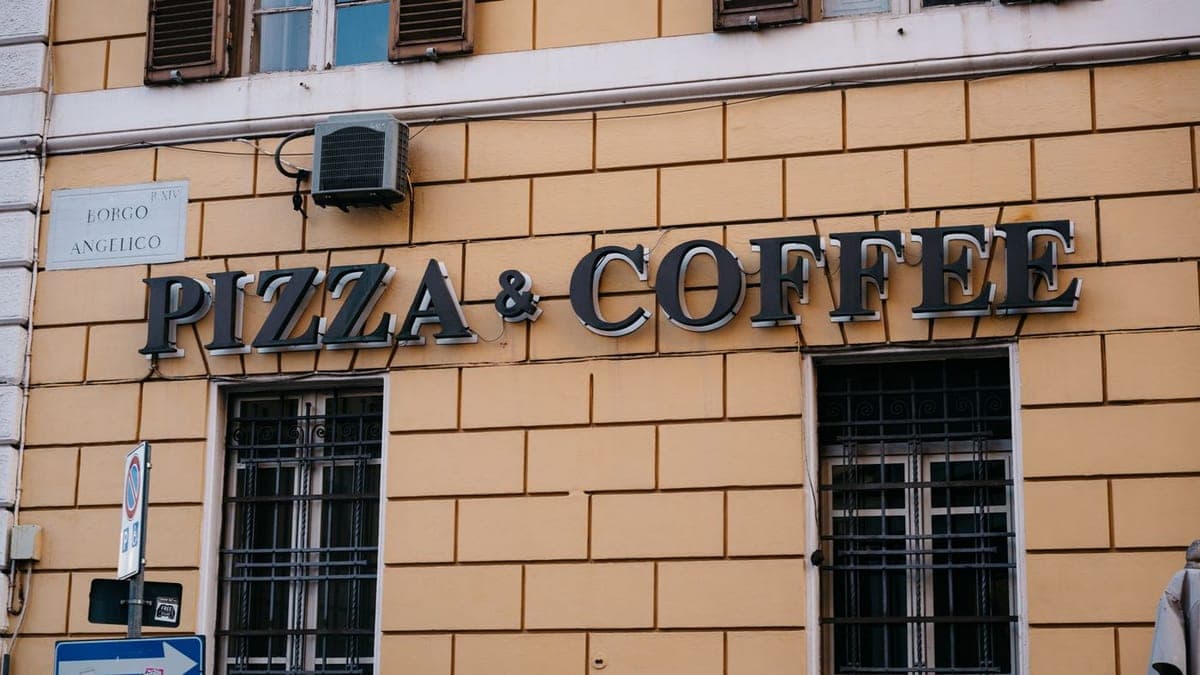
Cover image, square logo, and 5 post images for your Google Maps profile
- Graphics & Design
- Recently added
- New service


Local Search and Google Maps Optimization
- Digital Marketing
- New service

Frequently asked questions
Is a Google Business Profile free?
Yes. Creating a Google Business Profile is free, and you do not need a website to get started. You need a Google account and accurate business details, then you verify the profile to prove you own it.
How do I reply to a negative Google Maps review?
Reply calmly and soon after it appears: thank the reviewer, apologize for the experience without arguing, explain what you will do to fix the problem, and invite them to come back. Everyone who visits your profile later will read your reply, not just the reviewer.
Does adding keywords to my business name help me rank better on Google Maps?
No. Google requires the name to match your real business name on your sign. Stuffing the name with phrases like “best restaurant in Riyadh” goes against its guidelines and may get the profile suspended. Put service details in the category and description, not in the name.
Ready to put this into practice?
Browse Digital Marketing services on Hylance and order what your business needs, with escrow that protects both sides. Or create an account and list your first service in minutes.