Turn Long Videos Into Short Clips: What to Pick and Cost
Learn how to pull the best moments from a podcast, webinar, or livestream and turn them into vertical reels with captions, pricing, and what to send first.
Key takeaways
- A long video with clear speech and standalone ideas, like a podcast, webinar, or lesson, can give you several short clips from one recording.
- A strong clip is a complete idea that stands on its own, starts with a line that grabs attention from the first second, and does not need earlier context to make sense.
- After trimming, each clip needs a vertical frame that keeps the speaker centered, on-screen captions, and a short title at the start.
- On Hylance, cutting one long video into 5 clips with captions starts at about SAR 60 (about $16) at the time of writing.
Turning a long video into short clips means taking one recording, such as a podcast episode, webinar, livestream, or lesson, and pulling out the strongest moments as short vertical clips for Reels, TikTok, and YouTube Shorts. You choose complete ideas that work on their own, then each clip is adapted with a vertical frame, captions, and a short opening title. On Hylance, this service starts at about SAR 60 (about $16) for five captioned clips at the time of writing.
Why cut up a long video instead of filming new short clips?
Because the hardest part of short-form video is the content itself: the idea, the wording, and the filming. If you have already recorded a one-hour conversation or lesson, you have done that part once, and clipping turns it into content you can publish over days or weeks without another shoot. A short clip also introduces people to the full video, so if they like the clip, they can go watch the full episode.
Clipping does not replace short videos designed for Reels from the start, but it is the most affordable way to fill your publishing schedule if you already have long recordings.
What kinds of long videos work well for clipping?
Not every long video will give you strong short clips. The simple rule is this: the clearer the speech and the more independent the ideas, the easier and more useful clipping becomes.
| Video type | How suitable it is for clipping | What to watch for |
|---|---|---|
| Podcast or interview | High | Pick complete answers that do not depend on the long question before them |
| Webinar or lecture | High | Practical tips and examples work better than introductions and definitions |
| Livestream | Medium | There is often a lot of waiting and greeting, so the good moments are spread out |
| Structured lesson or step-by-step tutorial | Medium | Each part may depend on the previous one, so pick summaries and standalone tips |
| Product video or ad | Low | It is already short, so it is usually better to re-edit it in different sizes |
Audio matters more than visuals here. People will watch a clip with ordinary visuals and clear sound, but they will skip a beautiful-looking clip with echo or noise. If your recording audio is weak, ask for audio cleanup before clipping or as part of it.
How do you choose a moment that works as a short clip?
A good short clip is one complete idea. It starts with a line that grabs attention, says something useful or striking, and ends when the idea ends. As you watch the long video, look for moments like these:
- A direct answer to a question your audience asks often.
- A practical tip with steps people can apply right away.
- An unpopular opinion or a strong line that could work as the title.
- A short story or real situation with a clear beginning and end.
- An example with numbers or a before-and-after comparison that makes the point clear.
- A moment with genuine emotion: a laugh, surprise, or admitting a mistake.
Test each moment with one question: if someone who does not know you and has not watched the episode sees it, will they understand it? If it needs earlier context, either start the clip a bit sooner or leave it out.
What happens to the clip after it is trimmed?
Trimming alone is not enough. A clip taken from a long horizontal video needs several steps before it is ready for vertical platforms:
- Convert the frame to vertical (9:16) while keeping the speaker centered and following them if they move.
- Add on-screen captions, because many people watch without sound, and word-by-word animated captions help keep attention on the clip.
- Add a short fixed title at the top of the screen in the first few seconds so viewers know what the clip is about.
- Remove long pauses and filler words to keep the pace quick.
- Even out audio levels across clips, and add light licensed background music if you want.
- Place your logo or account name in a small corner, and add an ending that invites people to watch the full episode.
The ideal length varies by platform, and platform limits change from time to time, so check the current limit for each platform before ordering. More important than the number is that the clip ends when the idea ends, not that it is stretched just to hit a target length.
What should you send the editor before they start clipping?
The clearer your request is, the fewer revision rounds you will need, and the closer the clips will be to what you want. In the order chat, send:
- The original video file in the highest quality you have, not a compressed copy downloaded from a social platform.
- The number of clips you want and the platforms where you will publish them.
- A list of the moments you want with timestamps, if you know them, such as “from 12:30 to 13:40, story of the first client.”
- Anything you want removed: client names, numbers, or any part you do not want published outside the full episode.
- Your logo, colors, and font if you use a consistent caption style.
- An example of a clip you liked from another account to show the pace and style you mean.
Common mistakes when cutting a long video into clips
- Starting with a greeting or introduction. The first seconds should start with the idea itself, not “welcome.”
- Cutting the idea in the middle just to make the clip shorter, so the viewer leaves without understanding it.
- Leaving the speaker out of frame after converting to vertical, or cutting off the top of their head.
- Captions with spelling mistakes or words that do not match the speech, which makes the clip look less credible.
- Publishing all the clips in one day instead of spreading them out over several days.
- Forgetting to point people to the full episode, so interested viewers do not know where to find the rest.
How much does long-video clipping cost on Hylance?
The following figures are approximate, based on services listed on Hylance at the time of writing. The exact price appears on each service page in your own currency. Cutting one long video into 5 short reels clips with captions costs about SAR 60 (about $16). Converting 3 horizontal videos into vertical ones while keeping the speaker centered in frame costs about SAR 40 (about $11), which works well if you have already chosen and trimmed the clips yourself. Word-by-word animated captions for 3 short videos cost about SAR 55 (about $15). Send the video, the number of clips, and your list of moments in the order chat on Hylance so work can begin without repeated questions.
You pay from your Hylance wallet, and the amount stays on hold with the platform until you confirm delivery. Before delivery, you can cancel the order and the amount returns to your wallet. After delivery, if the work does not match what you agreed on, you can open a dispute for the platform team to review. On your first order, you also get a 10% discount.
Video clipping and Reels services on Hylance
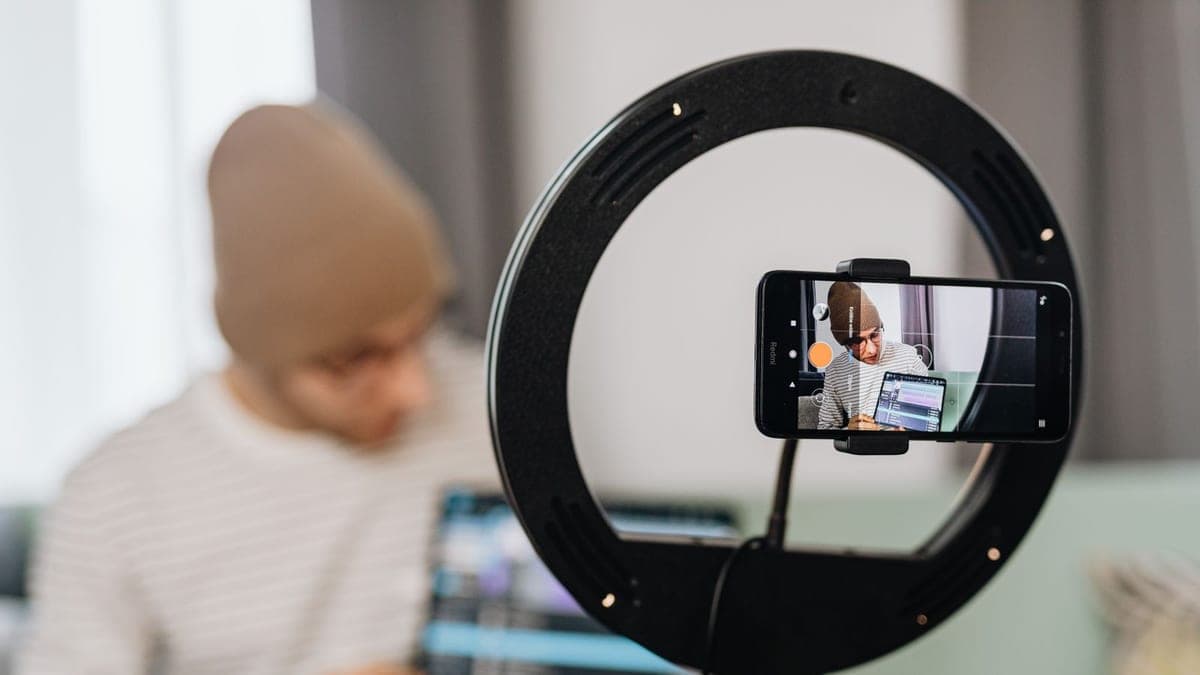
5 Short Reels Clips from a Long Video with Text Subtitles
- Video & Animation
- New service
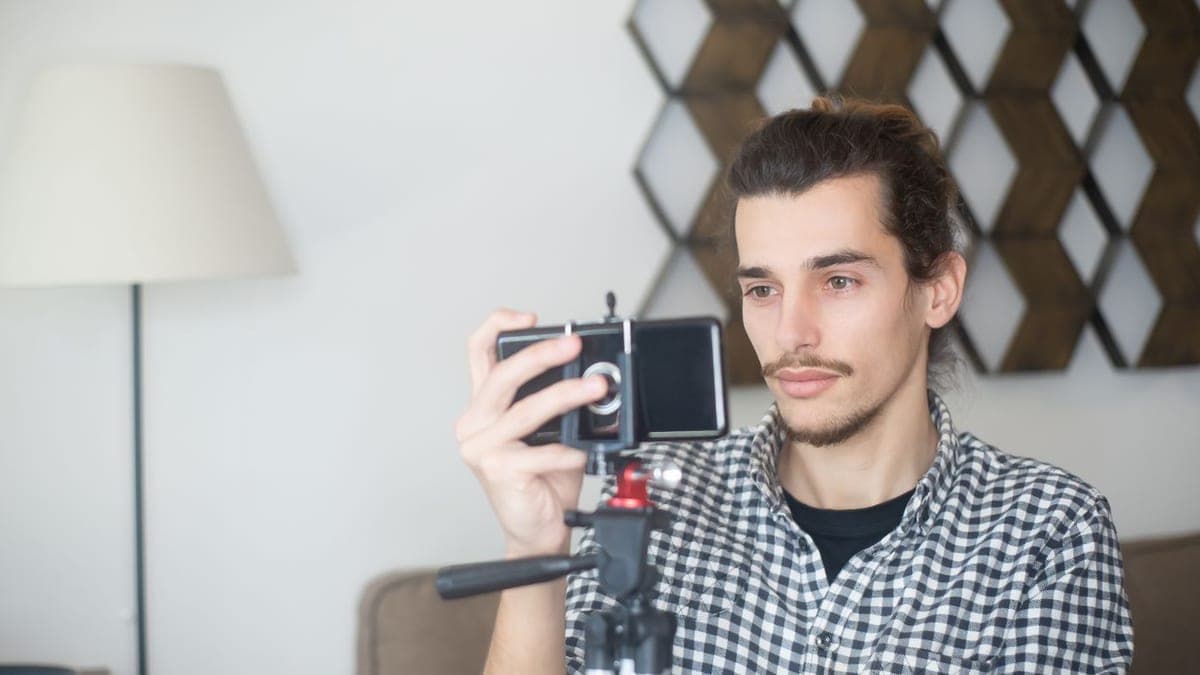
3 vertical videos from horizontal footage for reels
- Video & Animation
- Recently added
- New service
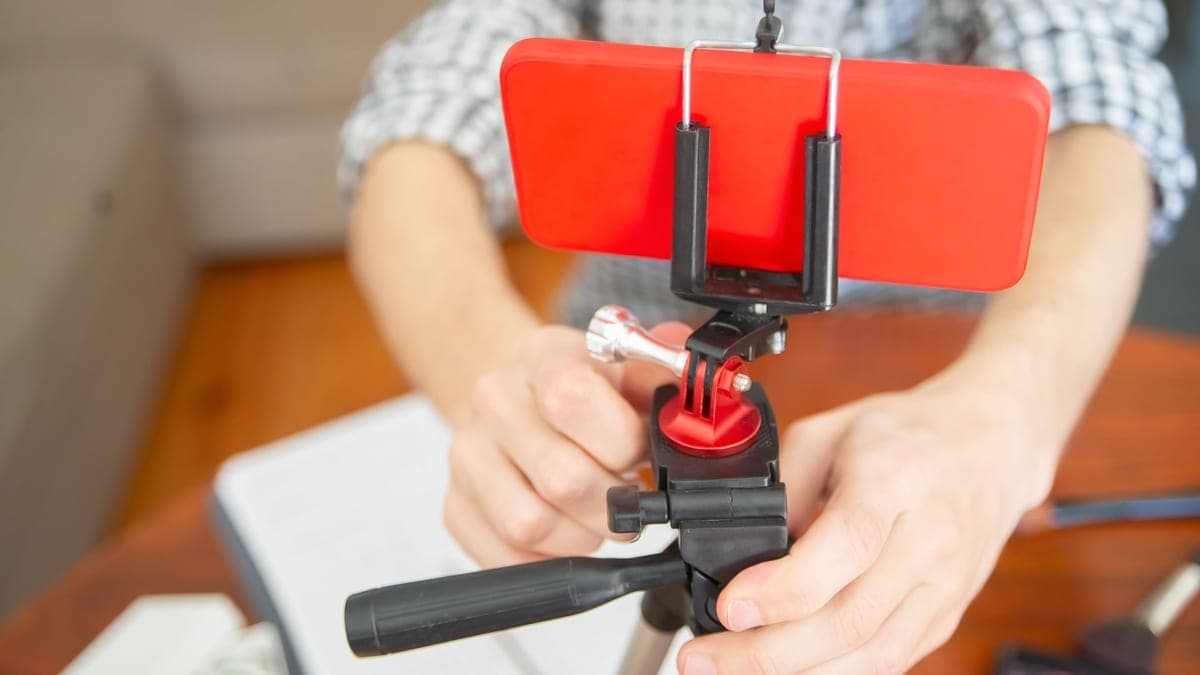
Animated word-by-word captions for 3 short videos
- Video & Animation
- Recently added
- New service

Frequently asked questions
How many short clips can I get from a 1-hour video?
It depends on how many standalone ideas the video contains, not just its length. A discussion episode with varied questions may give you several strong clips, while a lesson where each part builds on the previous one may only give you a few. Start with five clips from the strongest moments, then decide whether the rest is worth using.
Should I pick the moments myself or leave that to the editor?
The best approach is to send the editor a short list of moments you already know are important, with timestamps, and let them suggest the rest. You know your message and audience, and the editor knows what works visually as a short clip. That list also saves full-watch time and cuts down on revision rounds.
Can a horizontal video be turned into vertical reels?
Usually yes, if the speaker is clearly framed and not very small in a corner of the shot. A horizontal frame can be cropped into a vertical one and moved to follow the speaker. But if the video includes important slides or screen content on the sides, the clip may need a split-screen layout instead of a simple crop.
Ready to put this into practice?
Browse Video & Animation services on Hylance and order what your business needs, with escrow that protects both sides. Or create an account and list your first service in minutes.