Startup Cybersecurity Best Practices
You don’t need a security team to protect your startup. These 8 free or low-cost habits stop most common breaches before they start.
By the Hylance editorial team · Updated

Key takeaways
- Most small business breaches come from a reused password, a fake link, or access that no one removed.
- Use a team password manager, and turn on two-factor authentication for email, domain, hosting, store, and bank accounts.
- Put the domain and admin email under the company’s name, and give the least access possible, removing it the day someone leaves.
- Run regular updates, and keep a daily backup outside the server, testing a real restore every three months.
Most small businesses are not breached through sophisticated attacks. It usually happens because of a reused password, a link in a fake email, or access that someone forgot to remove. This checklist closes the doors attackers use most often.
1. Use a password manager for the whole team
Use a different long password for every account, stored in a shared password manager such as Bitwarden or 1Password. Do not share passwords in chat groups or Excel files.
2. Turn on two-factor authentication for everything that matters
That includes email, domain, hosting, ad accounts, your store, and your bank. An authenticator app is better than SMS.
3. Start with the domain and admin email
Whoever controls the domain and the admin email controls the business. Register both under the company’s name, not an employee’s name, enable transfer lock, and renew well before expiry.
4. Give the least access possible
- Each person should get only the access they need to do their work.
- Keep a separate admin account that is not used for daily work.
- Remove access on the same day any team member or freelancer leaves.
5. Updates are not optional
Your store and its plugins, WordPress and its themes, and operating systems all need regular updates. Most breaches exploit vulnerabilities that were patched months earlier.
6. Backups must be tested
Keep a daily automatic backup outside the same server, and run a real restore test once every three months. A backup that has never been tested does not count as a backup.
7. Be careful with links and files
Any message asking for an urgent login or money transfer should be verified through another channel before anyone acts on it. Train the team on this once every few months.
8. If you buy a digital asset, check it before paying
A store, domain, or social media page you buy may come with old permissions or a history of violations. On Hylance, all assets go through an administrative review before they are listed, and the sale is not closed until you confirm full ownership transfer.
Set your priorities: what should you protect first?
| Asset | Why it matters most | First action |
|---|---|---|
| Admin email | It is used to reset the passwords for all other accounts. | Turn on two-factor authentication and use a password that is not used anywhere else. |
| Domain | Whoever controls it can point your website and email anywhere. | Enable transfer lock and auto-renewal. |
| Store or website | It holds your customer data and orders. | Keep it updated regularly and back it up. |
| Ad accounts | They are tied to your payment card. | Use limited permissions and spending alerts. |
Your first 30-day plan
- Week 1: Set up a password manager, change reused passwords, and turn on two-factor authentication for email and domain accounts.
- Week 2: Review who has access to each account, and remove anything no longer needed.
- Week 3: Update your store or website and its plugins, and set up automatic backups outside the server.
- Week 4: Test restoring a backup, and write a short page explaining what the team should do if a breach is suspected.
What should you do if you suspect a breach?
- Change the password for the affected account and its email immediately, from a device you trust.
- Sign out of all open sessions, and review connected devices and apps.
- Check what has changed: email forwarding addresses, payment details, and new users.
- Tell your team so no one responds to messages sent from the compromised account.
- If customer data was affected, consult a specialist about what you are legally required to do.
Common mistakes
- Sharing one account between several people, so you cannot tell who did what.
- Saving passwords in the browser on a shared device.
- Delaying updates because you are afraid they might break something, without testing them on a copy first.
- Relying on a backup stored on the same server.
- Giving a freelancer owner-level access instead of temporary access that is enough for the task.
When should you bring in a specialist?
Bring in a specialist when the business grows, when you handle payment data or sensitive data, or when no one on the team has time for these tasks. Backup setup, server hardening, and adding protection in front of the website are jobs that can be done once and then reviewed regularly. You can find freelancers on Hylance to handle them through a clearly scoped request.
Write a one-page policy
These practices only stick when they are written down. One page that every new team member or collaborator reads is enough:
- Where passwords are stored, and that they must not be sent in chats.
- Which accounts must have two-factor authentication.
- Who grants access, who removes it, and when.
- What counts as a suspicious message, and who should be told about it.
- Where backups are kept, and who is responsible for testing restores.
Review that page every six months, or whenever one of the systems you rely on changes.
Protection and backup services on Hylance
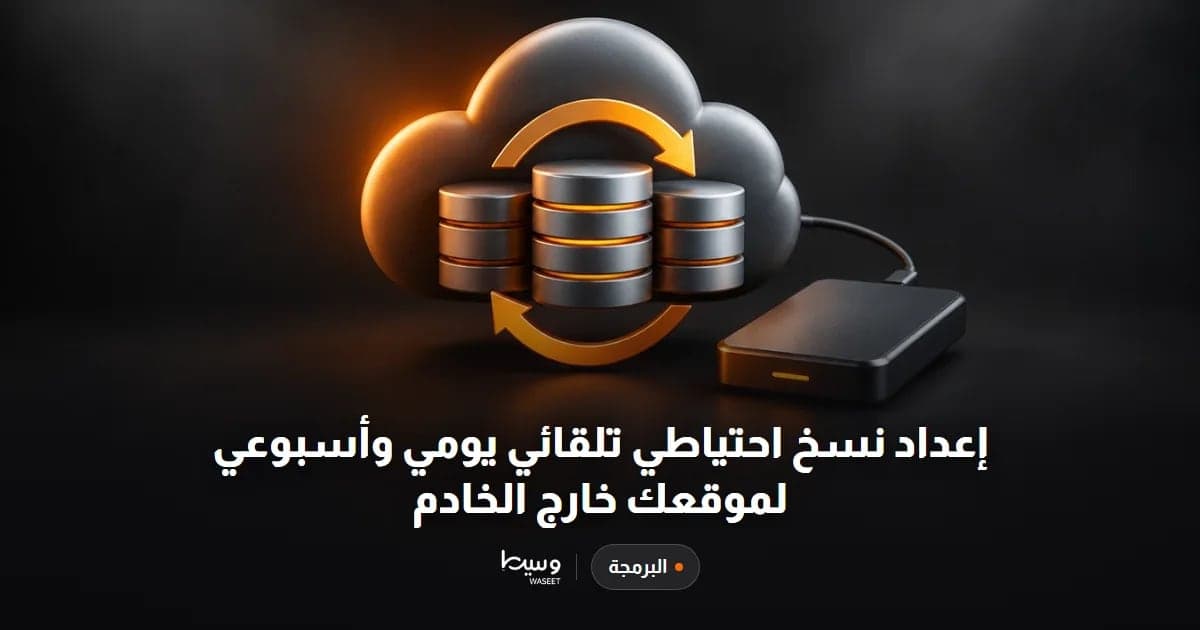
Automatic daily and weekly off-server backup setup
- Programming & Tech
- New service

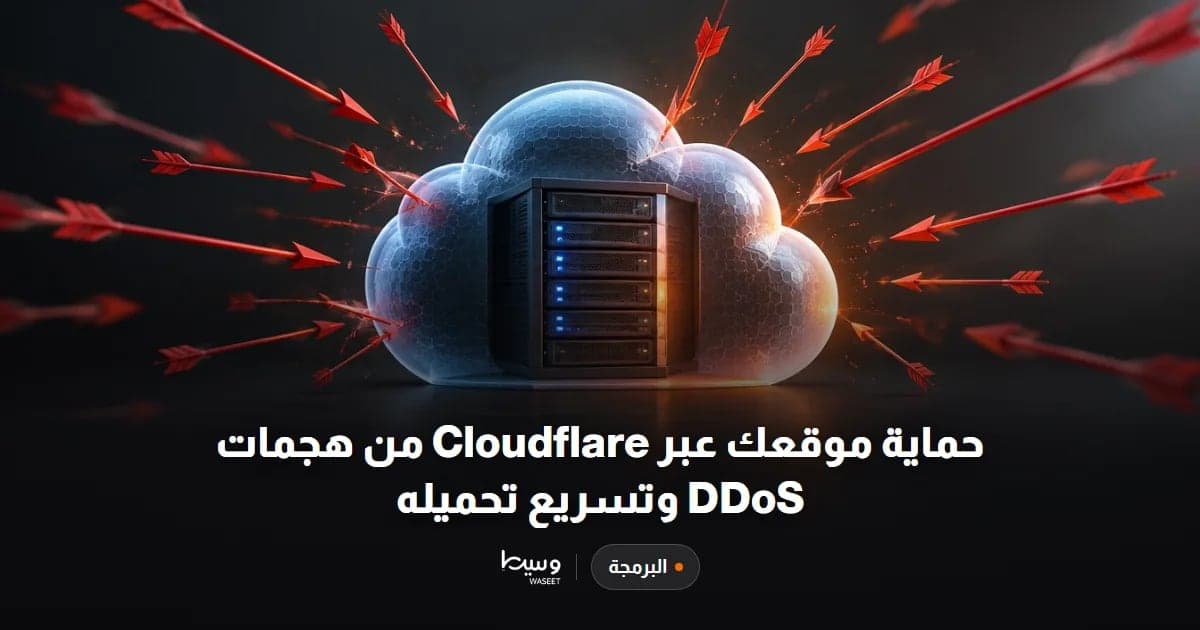
Protect Your Site with Cloudflare and Speed It Up
- Programming & Tech
- New service
SSL Certificate Installation and Full HTTPS Migration
- Programming & Tech
- New service
Frequently asked questions
Where should I start securing my startup?
Start with a shared password manager so every account has a different long password. Then turn on two-factor authentication for email, domain, hosting, ad accounts, store, and bank accounts.
Authenticator app or SMS for two-factor authentication?
An authenticator app is better than SMS.
How often should I test backups?
Run a real restore test once every three months, with a daily automatic backup stored outside the same server. A backup that has never been tested does not count as a backup.
Ready to put this into practice?
Browse Programming & Tech services on Hylance and order what your business needs, with escrow that protects both sides. Or create an account and list your first service in minutes.