

5 min read
Customer Testimonial Video Guide
Learn how to collect a convincing customer video, what questions to ask, what to send the editor, and the typical editing cost on Hylance.
You receive your short video up to 60 seconds after removing the green screen (chroma key) or replacing it with a clean background of your choice — a solid color, an office image, or a scene that matches your activity — with clear edges and light basic lighting correction. What the price includes: - Precisely cut out the green background while keeping hair and edge details as much as possible. - Add the replacement background you send, or choose a solid background in your brand color. - Adjust the speaker’s lighting and color balance to match the new background. - Export the video as an MP4 ready to publish in the original size or Reels size. - One revision round to adjust the edges or the speaker’s position. What the price does not include: - Full editing or adding 3D effects. - Fixing a video shot with very poor lighting that makes the background impossible to separate. What I need from you: - The original video file in the highest available quality. - The replacement background (image or color code) and the required export size. Delivery time: 2 days, with one revision round.
No reviews yet. Only buyers can leave a review, after they receive the work, so every review here comes from a real order.

 محمود العبادي
Cinematic AI Ad for a Product or Car
 محمود العبادي
Monthly Arabic Content Site Management: Editorial Oversight and SEO
 محمود العبادي
AI documentary or story video up to 3 minutes
 محمود العبادي
3D short product video for ads and stores
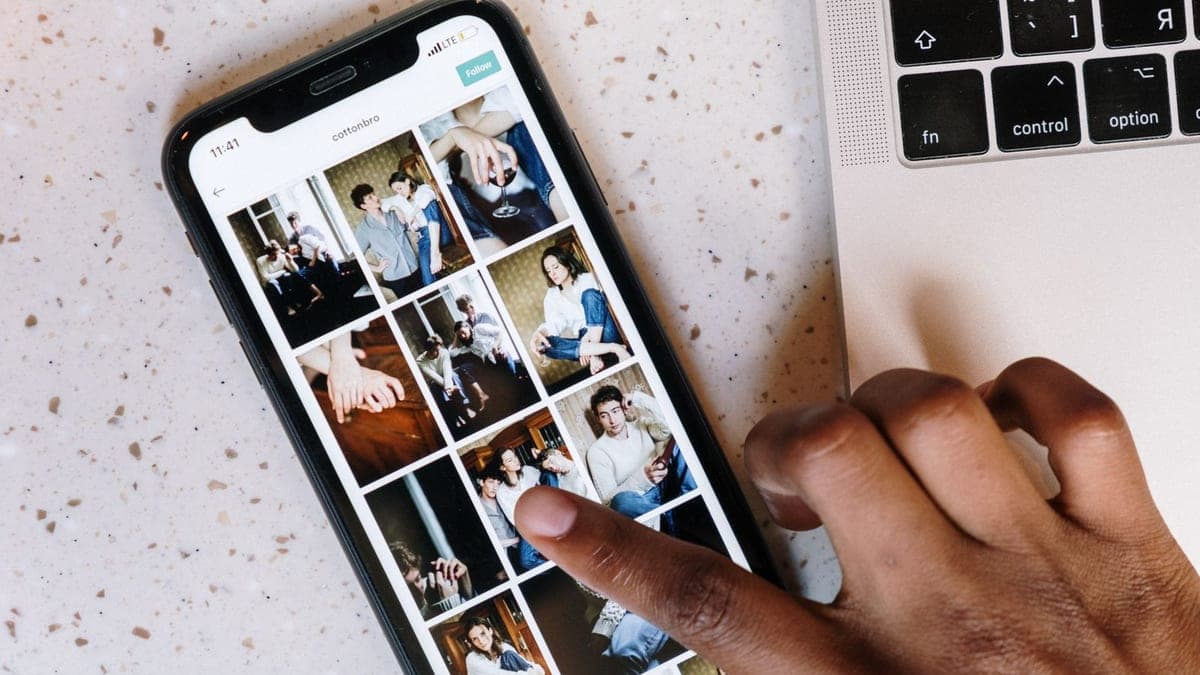
 متقن للحلول الرقمية
Slideshow video from your product photos up to 30 seconds
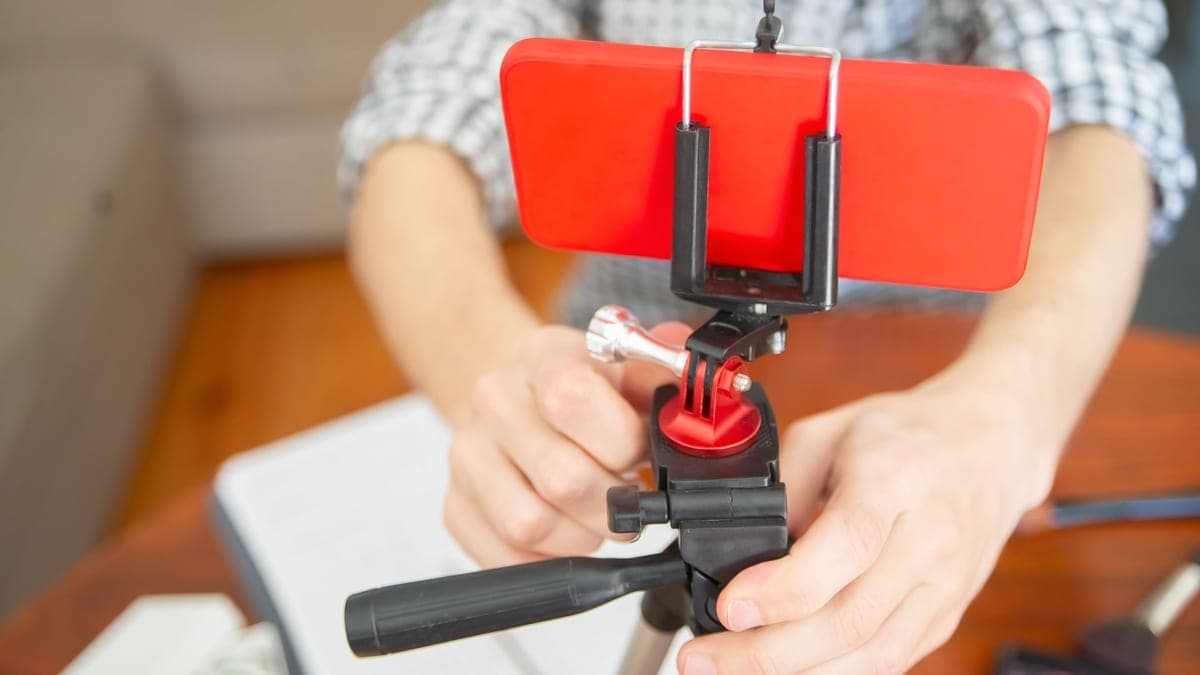 متقن للحلول الرقمية
Animated word-by-word captions for 3 short videos
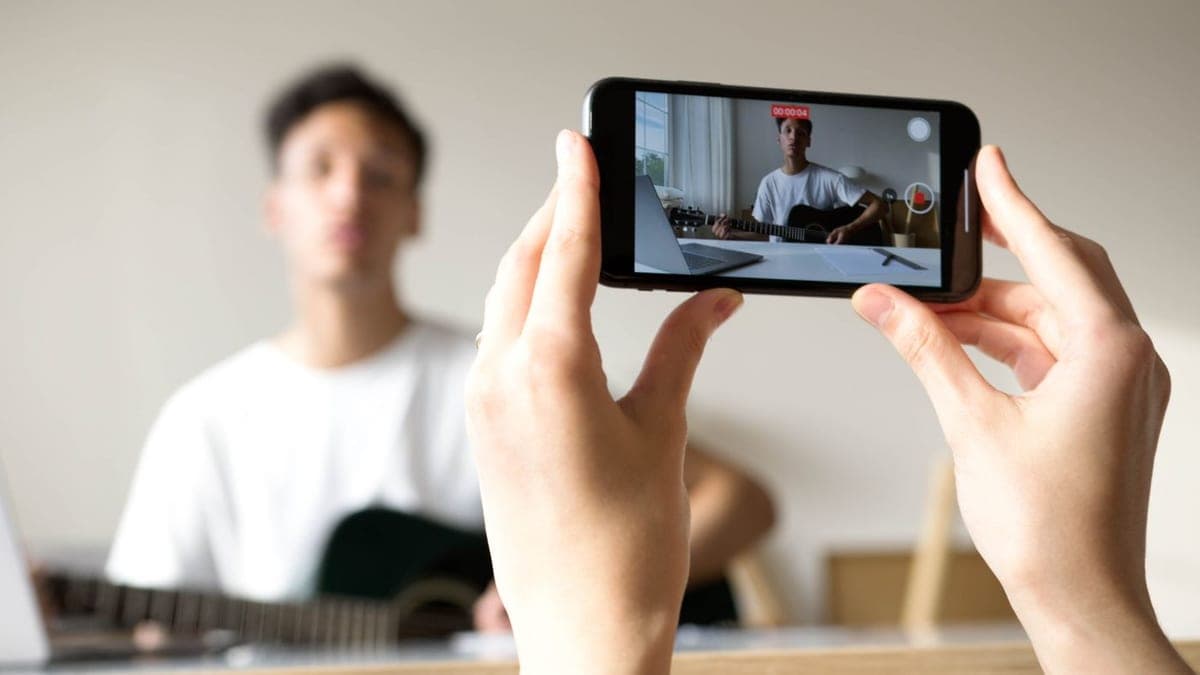 متقن للحلول الرقمية
Logo, watermark, and branded end screen for 10 short videos
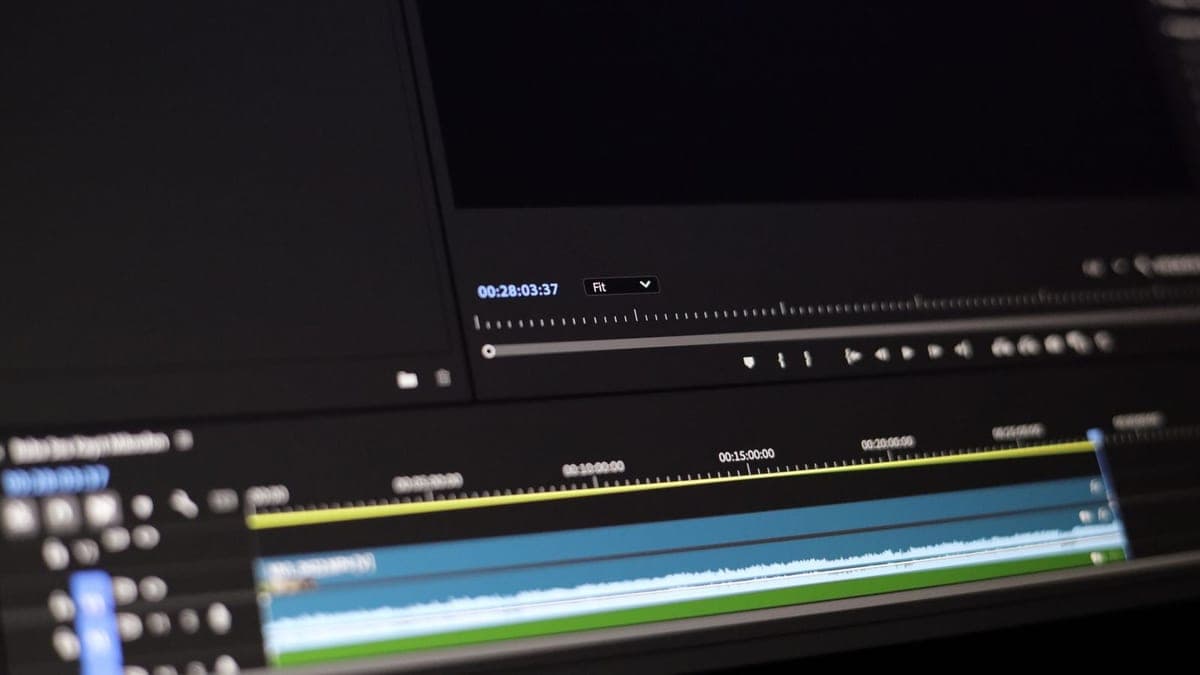 متقن للحلول الرقمية
Embedded Arabic subtitles for a video up to 5 minutes
Learn how to collect a convincing customer video, what questions to ask, what to send the editor, and the typical editing cost on Hylance.
Learn how to script a screen-recorded explainer, set up a safe demo account, and decide what to record yourself or hand off for editing on Hylance.
Learn how to pull the best moments from a podcast, webinar, or livestream and turn them into vertical reels with captions, pricing, and what to send first.

