6 min read
Screen Recording Explainer Video: What to Prep & Cost
Learn how to script a screen-recorded explainer, set up a safe demo account, and decide what to record yourself or hand off for editing on Hylance.
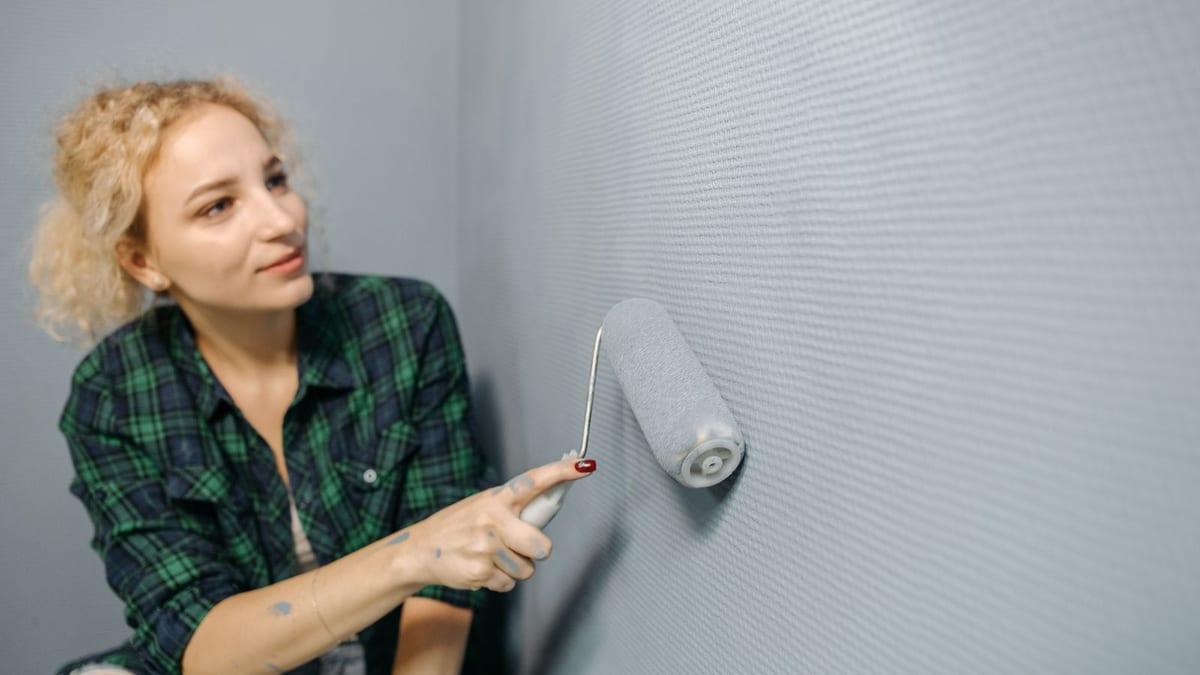
You receive a short vertical video up to 20 seconds showing the difference before and after your work with a clear transition, ready to post in Reels and Stories, for a salon, workshop, cleaning shop, restoration service, or any business with visible results in the image. Includes: arranging up to 4 pairs of photos or clips (before and after), and transitions between them in a style you choose (side swipe, comparison bar, or quick cut), stabilizing shaky clips and matching their lighting as much as possible without beautifying the real result, short on-screen text such as "before" and "after" and the service name, your logo at the end, licensed music for commercial use, and an extra square version of the same video. It does not include filming, Photoshop editing of images to show a result different from what actually happened, voice-over, or posting on your accounts. What I need from you: before and after photos or clips from the same angle as much as possible, your logo file, the text you want on screen, and your confirmation that you have permission from the owners of the images if people or their property appear in them. Delivery: the video in both versions in the order message within two days, with one revision round.
No reviews yet. Only buyers can leave a review, after they receive the work, so every review here comes from a real order.

Audio or video transcription to text with timestamps up to 30 minutes

Licensed Background Music Selection and Audio Mixing for Your Video
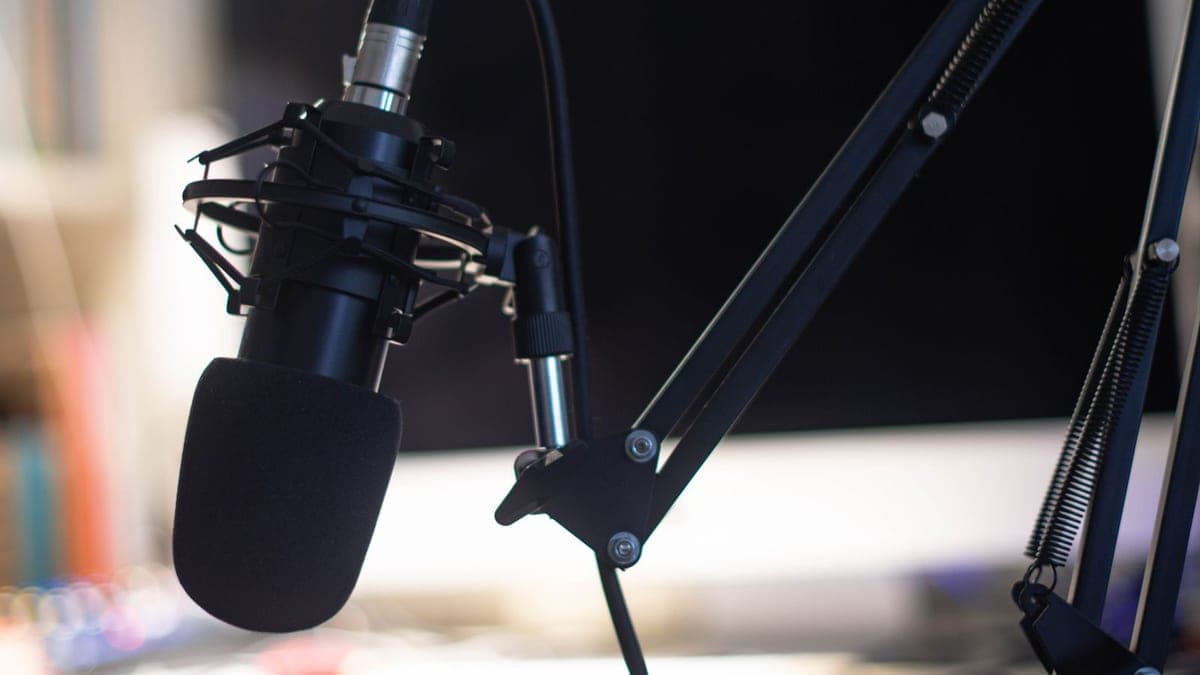
Podcast episode publishing setup: leveling, format, and episode metadata up to 60 min

Short Audio Jingle for Your Brand up to 5 Seconds
 متقن للحلول الرقمية
Slideshow video from your product photos up to 30 seconds
 متقن للحلول الرقمية
Animated word-by-word captions for 3 short videos
 متقن للحلول الرقمية
Logo, watermark, and branded end screen for 10 short videos
 متقن للحلول الرقمية
Embedded Arabic subtitles for a video up to 5 minutes
Learn how to script a screen-recorded explainer, set up a safe demo account, and decide what to record yourself or hand off for editing on Hylance.
Learn how to pull the best moments from a podcast, webinar, or livestream and turn them into vertical reels with captions, pricing, and what to send first.
Learn which type of motion graphics video fits your business, what to prepare before ordering, how production works, and typical prices on Hylance.