Product Ad Video: Which Type and How Much?
Three ways to create a short product video: phone clips, animated product photos, or AI-generated scenes—plus costs and what to decide before ordering.
Key takeaways
- You have three ways to make a short product ad video: editing clips you filmed on your phone, creating a motion slideshow from product photos, or generating new scenes with AI.
- At the time of writing, slideshow videos on Hylance start at about SAR 35 (about $9), phone-clip editing starts at about SAR 60 (about $16), and AI product videos in the market start at about SAR 180 (about $48).
- Before you order, decide the platform and size (9:16 for Reels and Stories, 1:1 for square posts), the length, the message in the first three seconds, the on-screen text, and the music license.
- Review the delivered video on your phone and with the sound off first, and make sure the product appears at the beginning and that prices and text are correct before confirming delivery.
A short product ad video, anywhere from 15 to 60 seconds, usually comes in one of three ways: an editor polishes clips you shot on your phone, creates a motion video from product photos you already have, or generates new scenes with AI. The first option works best for products people need to see in the hand or in use. The second is the cheapest and fastest if your store already has good product photos. The third can create scenes that are hard to film, but it costs more. This guide compares all three by cost and use case, then walks through the decisions to make before ordering and how to review the video when it arrives.
Three ways to get a product ad video
Choose the method based on the material you already have and what you want the customer to see, not on what looks more premium. Each option serves a different purpose:
- Phone clip editing: you film the product yourself, then the editor stabilizes shaky footage, trims the extra parts, improves lighting and color, and adds text. This works well for clothing, perfumes, food, and tools that sell better when customers can see them being used.
- Animated slideshow from product photos: the product images move with transitions, text, and music, without any new filming. This suits a store with strong product photos that wants a quick video for an offer or a new collection.
- AI-generated scenes: new scenes are created for the product in places or motions you did not film, like a perfume bottle among waves. This fits a campaign that needs a striking visual that is hard to shoot, but it needs careful review because the product’s appearance can change during generation.
How much does a product ad video cost?
Cost depends on the method and the length. The prices in the table are approximate, based on listed services available at the time of writing. The exact price, what the work includes, and the delivery time are listed on each service page.
| Method | Approximate price | What you need to prepare | When to choose it |
|---|---|---|---|
| Slideshow from product photos up to 30 seconds | From about SAR 35 (about $9) on Hylance | Clear product photos and the offer text | A quick promotion, a new collection, or a small budget |
| Editing a phone-shot video up to 60 seconds | From about SAR 60 (about $16) on Hylance | Raw clips from your phone | A product that sells better when seen in the hand or in use |
| AI-generated scenes | From about SAR 180 (about $48) in the market | Product photos from several angles and a scene description | A campaign that needs a striking scene that is hard to film |
| 3D product video | From about SAR 300 (about $80) in the market | Accurate photos from all sides and its dimensions | A tech product or an item whose details need to be shown from every angle |
A 3D product video here means a digital model of the product that rotates and moves on screen as if it were real. And if you already have old horizontal clips filmed in landscape, converting them into vertical videos for Reels starts on Hylance at about SAR 40 (about $11) for three videos, which is cheaper than filming again. If this is your first service order on Hylance, you also get a 10% launch discount.
Decisions to make before ordering the video
Most repeated revisions happen because something was not decided before the work started. Put these points into your request description from the first message:
- Platform and size: the aspect ratio shapes the whole video. Vertical 9:16 fills a phone screen and is the standard for Reels, Stories, TikTok, and Snapchat. Square 1:1 works for a regular feed post. If you need both sizes, ask for both from the start.
- Length: 15 to 30 seconds is usually enough for one product and one idea. Go up to 60 seconds when the product needs a usage demo. A longer video does not automatically mean a more convincing one.
- The first three seconds: this is when viewers decide whether to keep watching or skip. Be specific about what appears there: the product itself, the problem it solves, or the before-and-after result.
- On-screen text: many people watch with the sound off, so write the on-screen lines yourself. Keep them short, in a large font, and include the price or offer if there is one.
- Music license: ask for music licensed for commercial use. A well-known song may get muted by the platform or cause the ad to be rejected.
- Call to action: the final line that tells the viewer what to do next, such as “Order from the link in the profile.”
Which method fits your product?
Start with the cheapest option that does the job, then move up once you know what works with your customers. A sweets shop owner in Jeddah with good photos of Eid gift boxes may only need a slideshow with the price and delivery date on screen. A kitchen tools store in Cairo needs a phone-shot clip showing the product cutting and squeezing, because the customer wants to see that it works. A perfume store launching a new release, on the other hand, may benefit from AI-generated scenes that give the bottle an atmosphere home filming cannot reach. In every case, order one version first and test it in a small ad before asking for a full series.
How to review your product ad video when it arrives
Review the video the way your customer will see it: on a phone screen, with the sound off first, then with the sound on. Receive the file inside the order chat on the platform, and go through this checklist before confirming delivery:
- Does the product or its benefit appear in the first three seconds?
- Can the whole ad be understood without sound, using only the on-screen text?
- Are the prices, product names, and offers written correctly and free of spelling mistakes?
- Is the text far enough from the screen edges so platform buttons and the account name do not cover it?
- Are the size and length exactly what you asked for, and is the image clear rather than blurry?
- For an AI video: does the product’s shape, color, and logo match the real one? Any mismatch means the customer may receive something different from what they saw.
- Is the music licensed as agreed?
Send your notes in one organized message with timestamps for each point. That cuts down revision rounds. Payments on Hylance are protected: you pay from your Hylance wallet, and the money stays on hold until you confirm delivery. Before delivery, you can cancel the order and have the amount returned to your wallet. After delivery, you can open a dispute for the platform team to review.
Mistakes that raise the cost of an ad video without improving it
- Ordering a horizontal video, then trying to publish it in Reels, so parts of the image are lost or black bars appear.
- Starting with the logo or store name for several seconds before the product appears.
- Filling the on-screen text with every product feature instead of one clear benefit.
- Choosing AI for a product customers need to see as real, such as clothing or food.
- Ordering several videos before testing one and learning what your customers respond to.
Product video services on Hylance
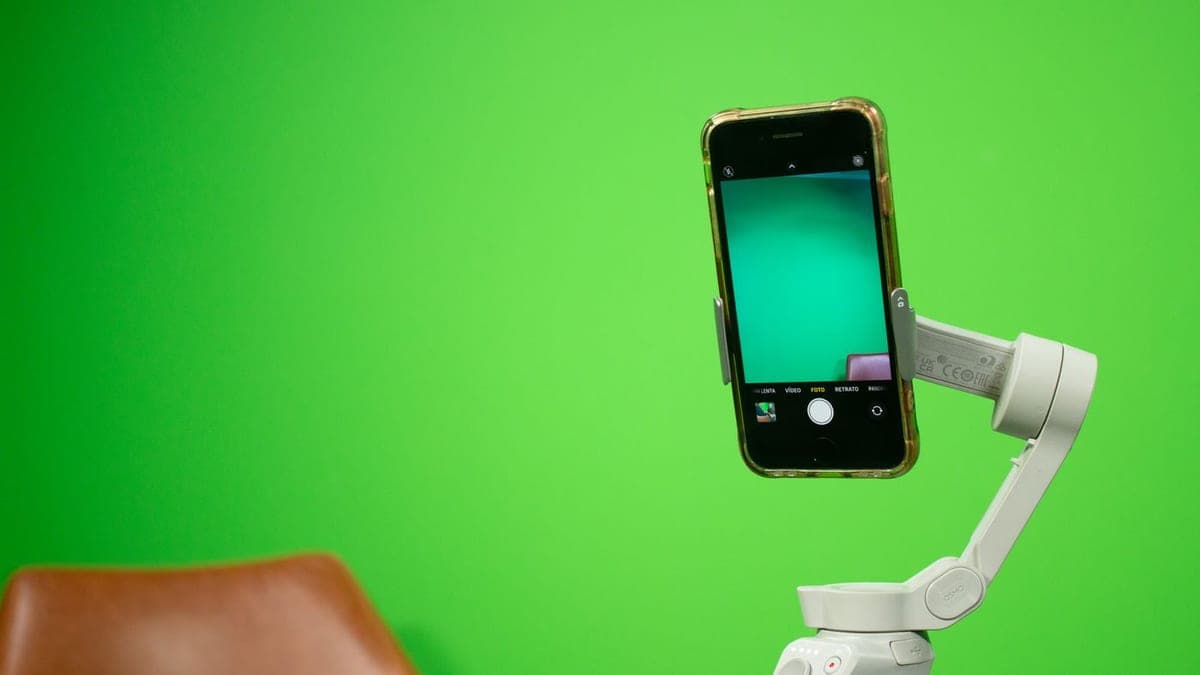
Product video edit from your phone clips up to 60 seconds
- Video & Animation
- Recently added
- New service
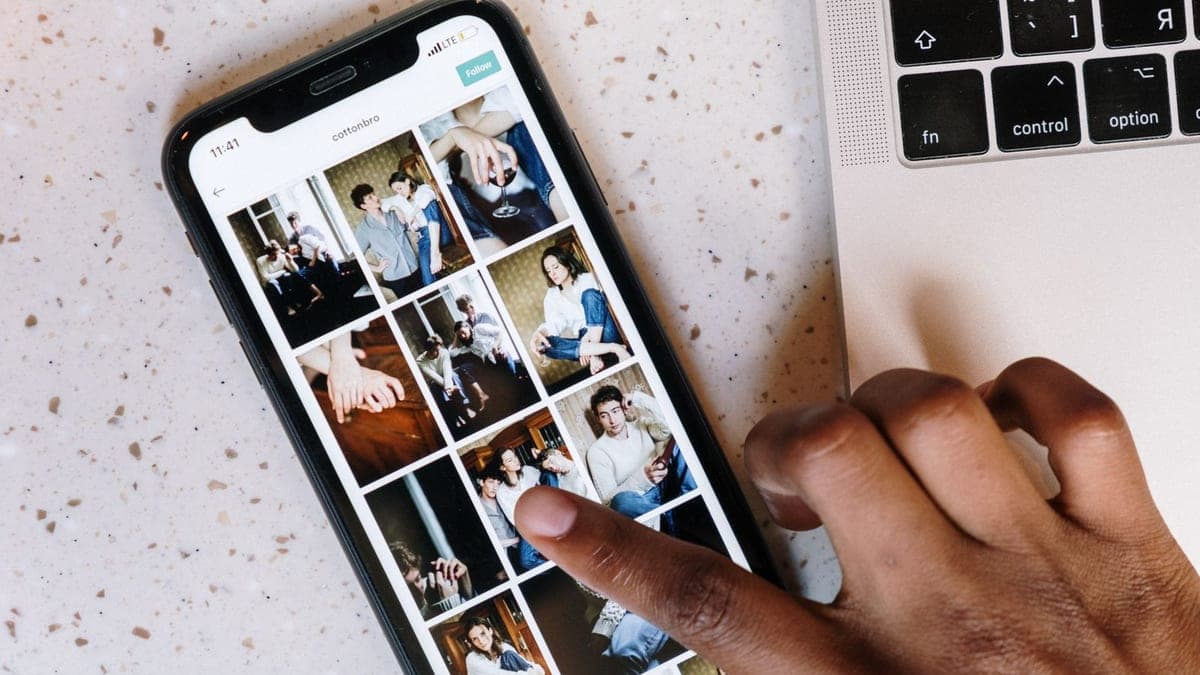
Slideshow video from your product photos up to 30 seconds
- Video & Animation
- New service

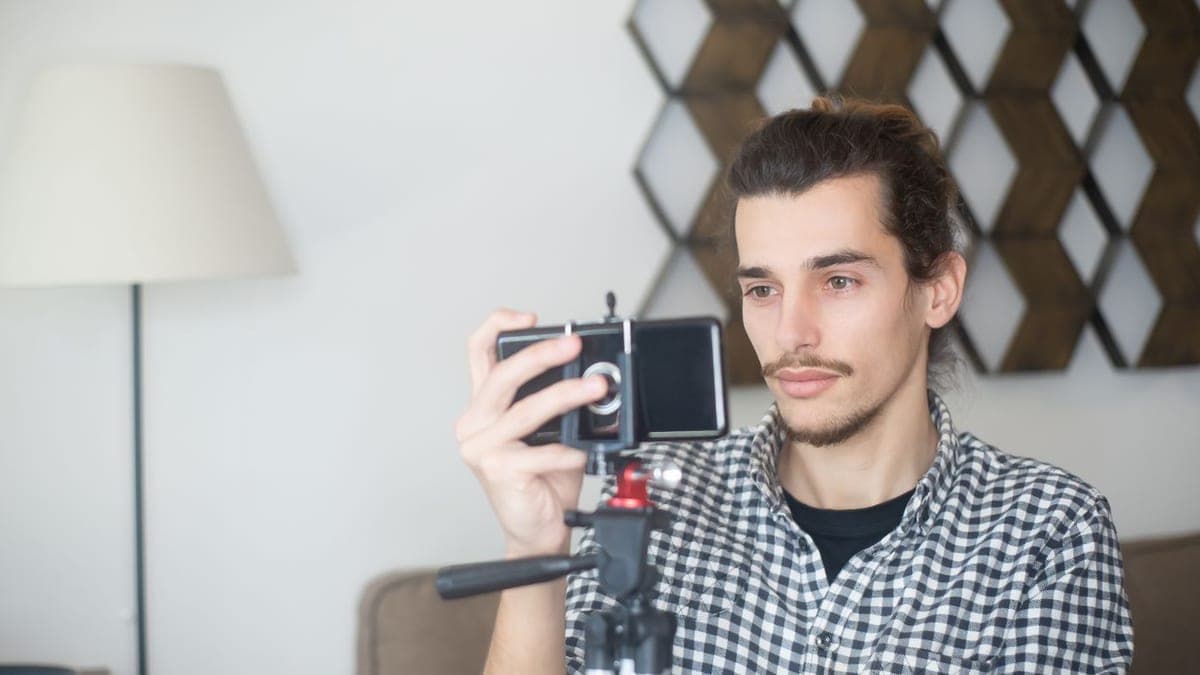
3 vertical videos from horizontal footage for reels
- Video & Animation
- Recently added
- New service
Frequently asked questions
How much does a product ad video cost?
It depends on the method. At the time of writing, a slideshow video from product photos up to 30 seconds on Hylance starts at about SAR 35 (about $9), editing a video you filmed on your phone up to 60 seconds starts at about SAR 60 (about $16), AI-generated product videos in the market start at about SAR 180 (about $48), and 3D product videos start at about SAR 300 (about $80).
What size should an Instagram or TikTok ad video be?
The best fit is the vertical 9:16 format that fills a phone screen. That works for Reels, Stories, TikTok, and Snapchat. The square 1:1 format is better for a regular feed post. If you need both sizes, ask for both from the start.
What is the right length for a short ad video?
Usually 15 to 30 seconds is enough for one product and one idea, and up to 60 seconds works when the product needs a usage demo. The key is that the product and its benefit should appear in the first three seconds.
Ready to put this into practice?
Browse Video & Animation services on Hylance and order what your business needs, with escrow that protects both sides. Or create an account and list your first service in minutes.