Shoot Your Product Video on Your Phone
Your phone is enough for a convincing product video if you get the light, sound, and stability right, and brief the editor clearly.
By the Hylance editorial team · Updated
Key takeaways
- A regular phone is enough; the real difference comes from good light, clear sound, and steady shots.
- Before you film, write three lines: the problem the product solves, the moment its effect shows, and what you want the viewer to do.
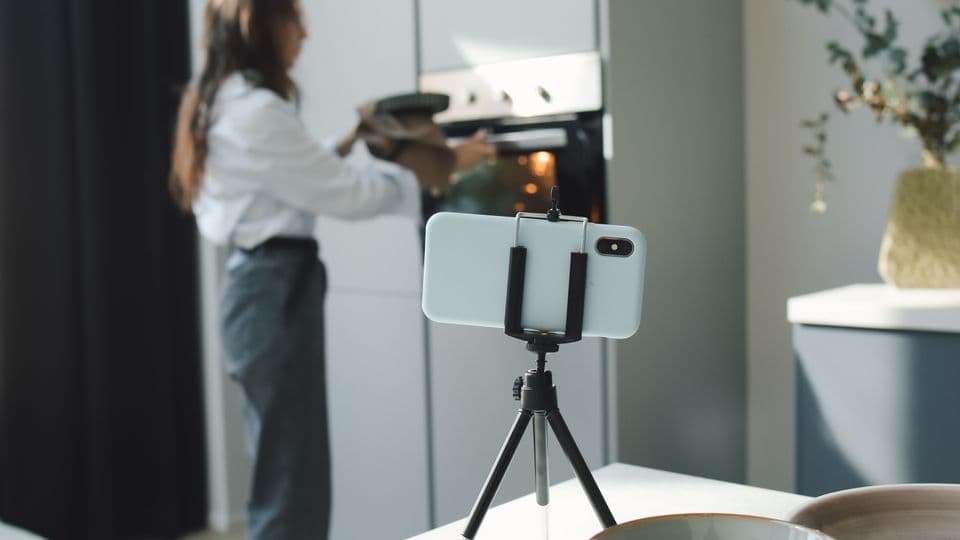
- Film in daylight near a window with the light falling on the product, not behind it, and keep your phone steady on a stand.
- Send the editor the original files, plus the platform, dimensions, length, and the exact on-screen text you want.
Many small store owners put off video because they think it needs an expensive camera and a studio. In reality, most product videos you see on Reels and TikTok are filmed on a regular phone. The difference is not the device. It comes down to three things: good light, clear sound, and steady shots that give the editor enough to build a story. In this guide, we’ll walk with you step by step from prep to file delivery.
Before filming: write the idea in three lines
Do not start filming and then go looking for the idea. Write this on paper: What problem does the product solve? What is the moment when its effect appears? And what do you want the viewer to do at the end: place an order, visit the store, or send a message? Those three lines are the structure of the video, and they tell you which shots you need.
- An opening shot that grabs attention in the first two seconds: show the product being used, not the closed box.
- Close-up shots of the details: the material, buttons, texture, and how it opens.
- A shot of the product in someone’s hand or in its natural setting, so the viewer can imagine its size.
- A shot of the result: the dish after cooking, the room after organizing, or the skin after use.
- A calm closing shot that leaves room to place the price or store name on screen.
Lighting matters more than the camera
Film during the day near a window, and let the light fall on the product from the side or the front, not from behind. Turn off yellow room lights so colors do not mix. If the light is harsh and creates strong shadows, hang a thin white curtain over the window. A piece of white cardboard on the opposite side will reflect light and soften the shadow at no cost.
Keep the phone steady and set it up right
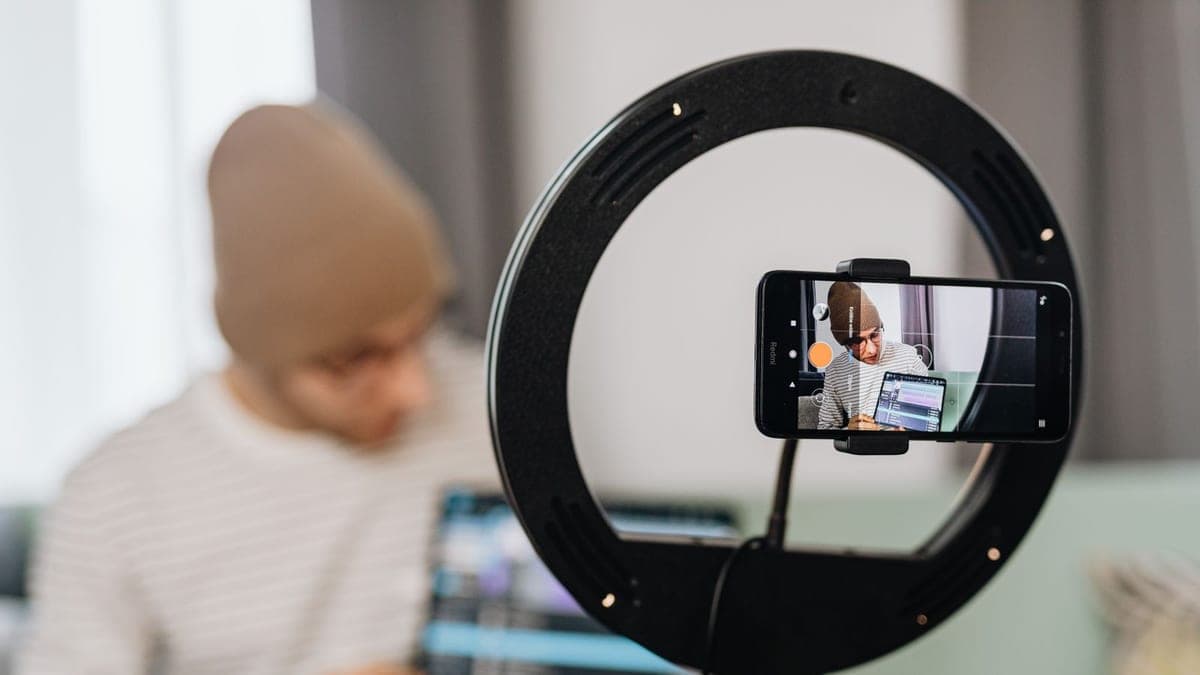
- Use a small tripod, or prop your phone on a stack of books. Shaky hands are one of the fastest ways to make a video look amateur.
- Clean your phone lens before every filming session. One fingerprint is enough to make the image look blurry.
- Film vertically in 9:16 if the video is for Reels and Stories, and horizontally if it is for YouTube or your website. Ask yourself where it will be published before you start.
- Choose the highest quality your phone supports, and 30 frames per second is enough for most uses.
- Tap the product on the screen to lock focus and exposure on it, so the brightness does not shift during the shot.
- Do not use digital zoom. Move the phone closer instead.
Sound: viewers forgive image quality more than bad audio
If you will speak in the video, film in a room with carpets, curtains, or fabric furniture, because they absorb echo. Turn off the AC and fan while recording, and keep the phone as close to your mouth as possible, or use a small clip-on microphone. If speech is not necessary, film without talking and let the editor add on-screen text and licensed music.
Film more than you think you need
Make every shot three seconds longer before the action and three seconds longer after it. The editor needs that margin for cutting and transitions. Repeat important shots two or three times from different angles. A shot you did not capture cannot be created in editing, but an extra shot can be deleted with one click.
What to send the editor with the files
Most revision rounds happen because the client did not write down what they wanted from the start. Send your files with a short message that includes:
- The platform, dimensions, and required length, for example: “Vertical Reel, no longer than 30 seconds.”
- The three lines you wrote before filming, and the shot you think is the strongest.
- The exact text you want on screen, written exactly as it should appear, including the price and store name with the correct spelling.
- Your logo and brand colors, if you have them.
- A link to a video whose style you like, so the editor understands the pace you want.
Send the original files from your phone, not copies that went through messaging apps, because those compress the video and strip away a large part of its quality. Upload them to a cloud storage service and put the link in the order chat on the platform.
Checklist before you hit record
- The lens is clean, the phone is charged, and there is enough storage space.
- The background is tidy and does not show anything you do not want published.
- The light is falling on the product, not coming from behind it.
- The orientation is correct: vertical or horizontal depending on the platform.
- The AC and fan are off if there is speaking.
After your first video, you will know what was missing, and your second session will be faster and better. And when you need someone to turn your footage into a video that is ready to publish, you can find video services on Hylance with clear pricing, and your money stays held until you receive the work and approve it.
Mistakes that ruin the video before editing
- Filming against the window, which makes the product look dark.
- Pinching to zoom instead of moving the phone closer.
- A busy background that pulls attention away from the product.
- Filming one long shot instead of several short ones.
- Sending files through an app that compresses them and weakens the quality.
Video services that complete your shoot
Short Video Color and Audio Correction up to 3 Minutes
- Video & Animation
- New service

Embedded Arabic subtitles for a video up to 5 minutes
- Video & Animation
- New service
Slideshow video from your product photos up to 30 seconds
- Video & Animation
- New service
5 Short Reels Clips from a Long Video with Text Subtitles
- Video & Animation
- New service
Frequently asked questions
Do I need a professional camera to film a product video?
No. Most product videos you see on Reels and TikTok are filmed on a regular phone. What makes the difference is good lighting, clear sound, and steady shots.
Should I film vertically or horizontally?
Film vertically in 9:16 if the video is for Reels and Stories, and horizontally if it is for YouTube or your website. Decide where it will be published before you start.
How do I send footage to a video editor?
Send the original files from your phone, not copies that went through messaging apps, because those compress the video. Upload them to a cloud storage service and put the link in the order chat on the platform.
Ready to put this into practice?
Browse Video & Animation services on Hylance and order what your business needs, with escrow that protects both sides. Or create an account and list your first service in minutes.