Restaurant Menu Design: What to Prepare First
What to prepare before designing your restaurant or cafe menu, how to organize sections and prices, and when to choose print, QR, or screens.
Key takeaways
- Before the designer starts, prepare a final list of items and prices, a short description for each item, and decide on photos and languages. Most delays happen when content changes after design begins.
- Organize your menu into clear sections in the order people usually order, and place the items you want to sell where eyes land first, as long as they are genuinely good items, not just higher-margin ones.
- Printed menus, QR menus, and in-store screens each serve different purposes, and many businesses use two of them together.
- On Hylance, one-page menu design starts at about SAR 70 (about $19), and turning a menu into a video for an in-store screen starts at about SAR 60 (about $16) at the time of writing.
A successful restaurant or cafe menu starts before the designer does: a final list of items and prices, a short description for each item, and a clear decision on photos, languages, and format, whether printed, QR, or screen. After that, the designer can arrange sections in the order people usually order, highlight the items you want to sell, and make names and prices readable in your shop’s lighting. Before printing, review a test copy line by line. On Hylance, one-page menu design starts at about SAR 70 (about $19) at the time of writing.
What should you prepare before the menu designer starts?
Most menu design delays do not come from the design itself. They come from changing the content after design starts: an item gets added, a price changes, or a name is written two different ways. Prepare these in one file before you place the order:
- A final list of items grouped by section: appetizers, main dishes, hot drinks, cold drinks, desserts, in the order you want.
- The price of each item. If it comes in sizes such as small, medium, and large, list the price for each size and the price for each add-on.
- A short one-line description for items that need explanation: the main ingredients or how it is served, not long marketing copy.
- A decision on photos: a photo menu needs clear, real photos of your dishes, and a poor photo is worse than no photo.
- Languages: Arabic only, or Arabic and English. Two languages mean more space or smaller text, so decide this before choosing the size.
- Your business logo, colors, and fonts if you have them, plus the print or screen size.
If you want to include extra information such as calories or allergy notices, check the requirements of the relevant authority in your country before design starts, and send that information to the designer in full from the beginning so space can be planned for it.
How should you arrange menu sections, and where do eyes land first?
Arrange sections in the customer’s natural order of ordering: what they start with, then the main dish, then the drink and dessert. Eyes usually land first at the top of the page and on anything highlighted with a frame, color, or empty space around it. In an Arabic menu, the customer starts reading from the right. Put what you most want people to notice in those spots.
Highlighting profitable items is fair, but be honest about it. Choose items that are genuinely good and that your customers actually like, not only the ones with the highest margin. Knowing the profit margin of each item, meaning the difference between its selling price and ingredient cost, helps you decide what to feature and what price to review. If you do not know your item margins, reviewing your price list and calculating them in a spreadsheet is a useful step before design.
- Highlight only a small number of items in each section. If everything is highlighted, nothing stands out.
- One or two items marked as “Most ordered” or “Chef’s choice” are enough in each section.
- Leave enough empty space between sections. A crowded menu tires the reader and makes them order only what they already know.
Printed menu, QR menu, or screen?
Printed menus, digital menus through QR, which is a square code the customer scans with a phone camera to open the menu, and in-store screens serve different purposes. Your choice depends on your type of business and how often your prices change:
| Method | Best for | Advantage | What to watch for |
|---|---|---|---|
| Printed menu | Restaurants where customers sit at a table | Easy to read and does not require a phone | Changing a price means reprinting, and old copies may stay on tables |
| Digital menu via QR | Businesses that change prices or items often | Quick to update without printing | Needs a phone and internet, and it must read well on a small screen |
| In-store screen | Cafes and fast-order counter businesses | Customers can see it while waiting their turn, and you can use moving content | Only a limited number of items fit on one screen, and the text must be readable from a distance |
Many businesses combine two methods: a printed menu on the table and a QR version for customers who prefer it, or a screen above the counter and a small printed sheet for takeaway orders. The important thing is that prices match across all versions.
How do you make the menu easy to read?
A menu is read in your shop lighting, sometimes in dim light, and often by a customer in a hurry. So readability matters more than decoration:
- Use a font size that can be read from arm’s length, and make the item name larger than its description.
- Use clear contrast between text and background: dark text on a light background or the reverse, not gray text over a photo.
- Use a clear Arabic font for names and prices, and keep decorative fonts for headings only if you want them.
- Do not repeat the currency beside every number. It is enough to mention it once at the top or bottom of the menu, because numbers alone look cleaner and are easier to compare.
- Keep the price close to its item name, so the customer does not have to follow a long line of dots to find it.
Common restaurant menu design mistakes
- Too many items: the customer gets overwhelmed and ordering takes longer. Removing items that do not sell improves the menu before any design work.
- Text that is too small because the content does not fit the size. The fix is to reduce the number of items or increase the size, not shrink the font.
- Unclear prices: a price without a size, add-ons without prices, or “market price” without making it clear how the customer should ask about it.
- An old printed menu with outdated prices, and the staff corrects the price at checkout. This hurts customer trust more than any design issue.
- Photos that are not of your actual dishes, so the dish arrives different from what the customer saw.
- An English translation that has obvious mistakes to anyone reading it.
How do you review the proof before printing?
Before you approve printing, ask the designer for a proof at the actual size, print it if you can, and review it using this checklist:
- Compare every name and every price against your original list line by line. It is even better if a second person checks it too.
- Read the menu on a table in your shop under the usual lighting, not only on a computer screen.
- Make sure every item on the menu is actually available in the kitchen, and every item you sell is included on the menu.
- If the menu has a QR code, test it from more than one phone and make sure it opens the correct version.
- Ask for the final file in a print-ready format, and the editable source file if it is included in the service, so you can update prices later without starting over.
How much does menu design cost on Hylance?
The following figures are approximate, based on services published on Hylance at the time of writing, and the exact price appears on each service page in your currency. Designing a one-page food menu for a restaurant or cafe is about SAR 70 (about $19). Reviewing your business price list and calculating the profit margin of each item in a spreadsheet is about SAR 70 (about $19), and that can help before design so you know what to feature. Turning the menu into an animated video for an in-store screen with up to 8 items is about SAR 60 (about $16).
You send your list, photos, and logo in the order chat on Hylance, and you receive proofs and final files in the same chat. You pay from your Hylance wallet, and the amount stays held by the platform until you confirm delivery. Before delivery, you can cancel the order and the amount is returned to your wallet. After delivery, if the work does not match what you agreed on, you can open a dispute for the platform team to review. On your first order, you also get a 10% discount.
Food menu services on Hylance
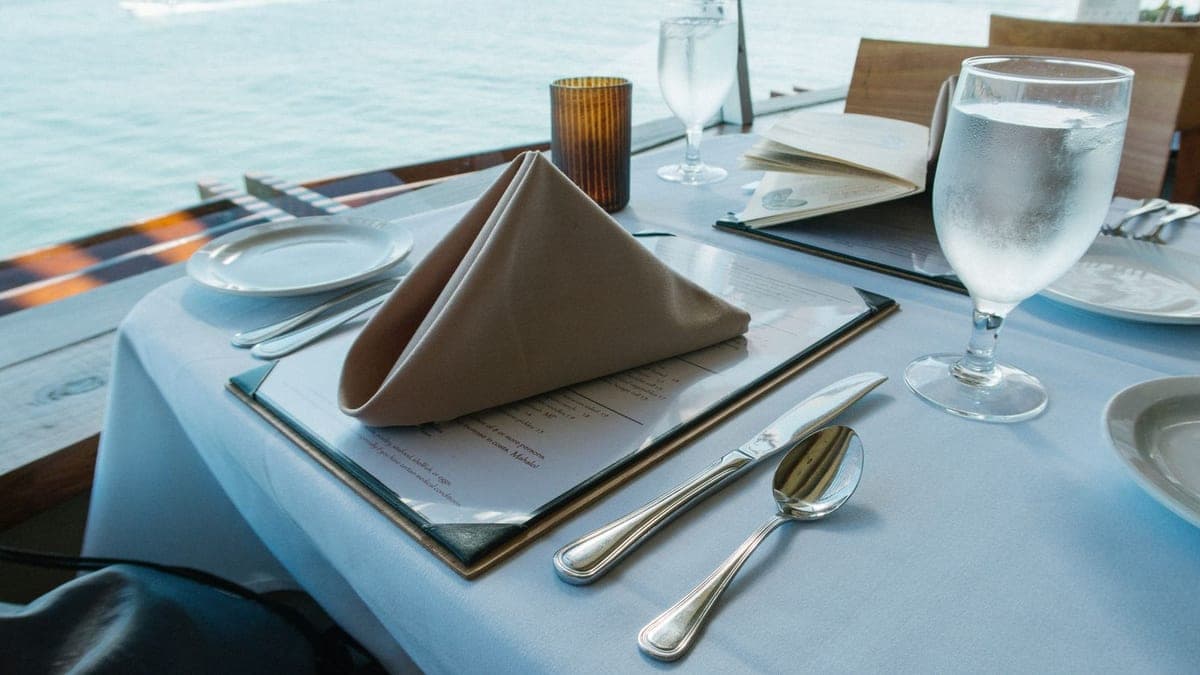
One-page menu design for a restaurant or cafe
- Graphics & Design
- New service

Review your restaurant or café menu prices and calculate profit margins
- Consulting
- Recently added
- New service

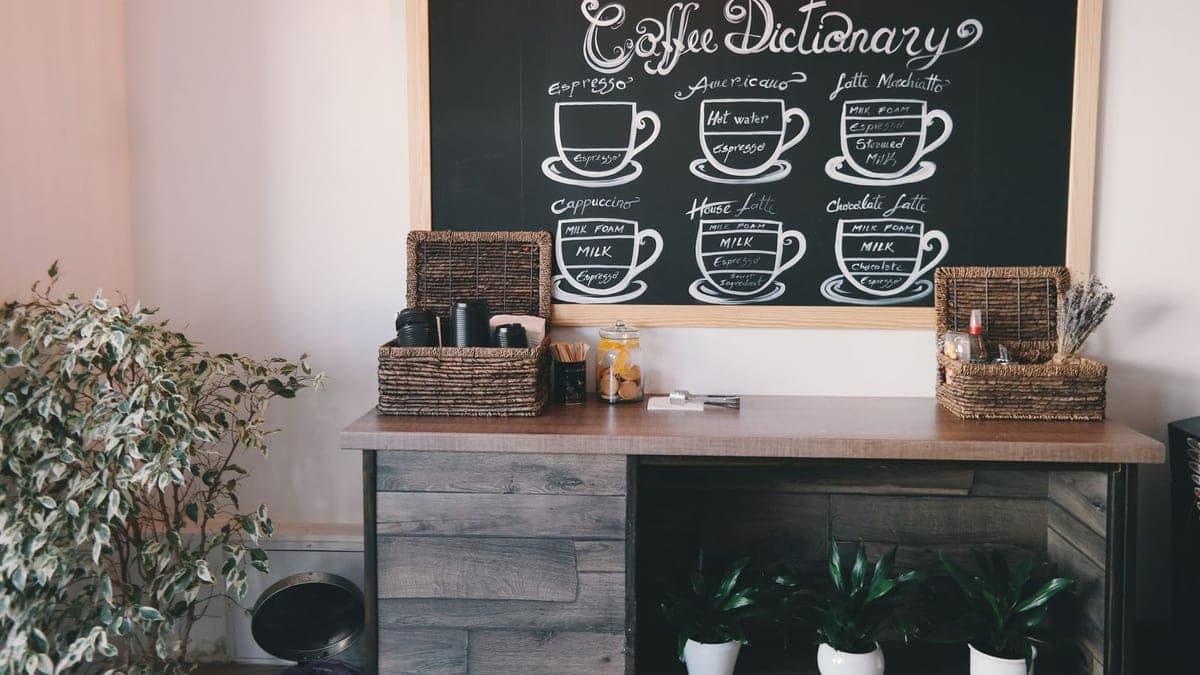
Animated price list video for your shop screen up to 8 items
- Video & Animation
- Recently added
- New service

Frequently asked questions
What should I send a designer for a restaurant menu?
Send a final list of item names grouped by section, the price of each item, a short one-line description for items that need explanation, photos if you want a photo menu, the required languages, your business logo and colors, and the print or screen size. The more final your list is before starting, the less delay you will have.
Is a QR menu better than a printed menu?
Not always. A QR menu makes price updates easier without reprinting, but it needs a phone and internet access. A printed menu is easier to read and does not need a phone, but changing a price means printing again. Many businesses use both, as long as prices match in both versions.
What font size should a restaurant menu use?
There is no single number for every menu, but the rule is that the customer should be able to read the item name and price easily from arm’s length in your usual shop lighting, and the item name should be larger than its description. Print a test copy at actual size and read it on a table in your shop before approving printing.
Ready to put this into practice?
Browse Graphics & Design services on Hylance and order what your business needs, with escrow that protects both sides. Or create an account and list your first service in minutes.